Gadgets and Tech
5 min read
How to Create a Stronger and More Structured Password Practice
September 10 , 2026
By Ryan Scott
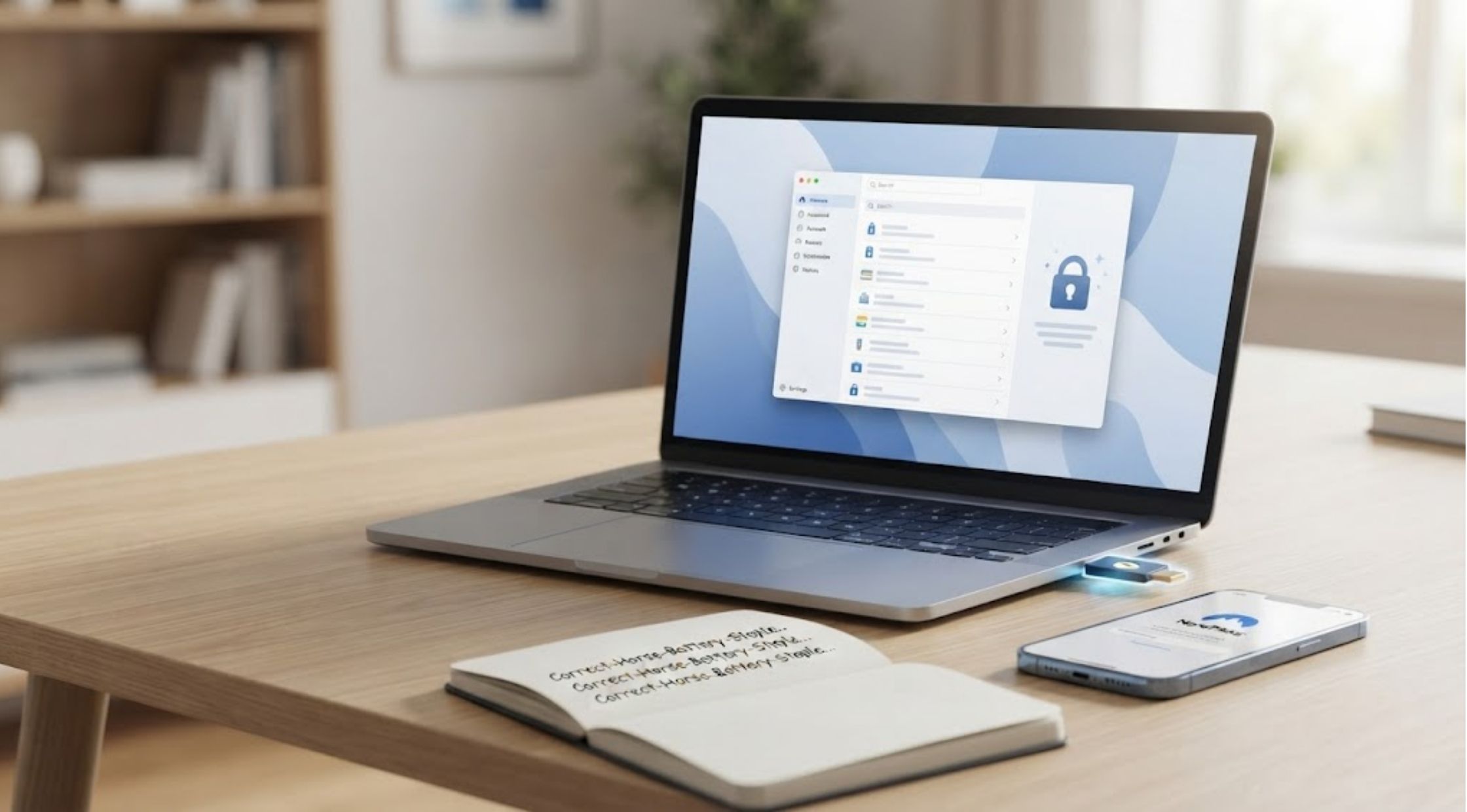
As more and more people get an online account, password management can become a challenge.
As more and more people get an online account, password management can become a challenge. You might need different usernames and passwords for your email account, your shopping account, your social media accounts, your bank account, your job and other entertainment accounts. Using the same simple password will simplify account management in the short term, but may also raise unnecessary security concerns. A dedicated password manager can assist you to organize credentials and additionally make it much easier to use stronger and more distinct passwords. NordPass offers tools that enable users to manage their digital credentials in a single place.
Creating & Managing Strong Passwords
How to Create Stronger Passwords
A good password is one that is not easily guessed. Don't post anything too obvious like your name, birthday, favorite team, or common words.
Longer passwords or passphrases can be easier to manage while providing more complexity. Also, if you use different passwords for important accounts, then it makes it harder to get into them if one is lost.
How to Use a NordPass Password Manager
You may use NordPass password manager to keep a track of your logins and not need to memorize each password separately. You don't need to write your passwords down in a notebook, or keep resetting them that you've forgotten, you can use a password manager instead.
When installing NordPass, be sure to familiarize yourself with the features and security options on offer. Ensure important account details are secured and adhere to the provider's security guidelines.
How to Manage Your NordPass Login
Your NordPass login is the initial step to access your NordPass account and control your saved information. Use the right official service when logging in and never type in credentials on websites that you've never been to before.
Also, maintain update to your account recovery details. The availability of the right recovery options can make it easier to use your account if you ever have trouble accessing it.
How to Not Reuse Passwords
When you have a lot of different accounts to keep up, it's easy to have the same password for each of them. Having to use a different password for each service may be a nuisance, but this is where a password manager can be helpful.
You can arrange various credentials with NordPass password manager without needing to remember each one of them. Use different passwords for key accounts like email, financial services, cloud storage and work platforms.
Usernames & Digital Account Organization
Making Better Usernames
Your password isn't the only credential to pay attention to. Some websites or online communities may also have username requirements, and creating a unique name can sometimes be challenging.
When you want something unique, you can use a username generator to get creative with your username. Ideas generated can be used as inspiration and choose a username suitable for the platform.
How to Choose a Good Username
Good login names are simple to remember but not reveal too much personal information. It may be a business card, a creative business card or a completely anonymous one, depending on the platform.
Do not put personal information that may easily identify you, e.g., your full date of birth, your phone number, home address etc.
How to Organize Your Online Accounts
The first step is to create a list of all accounts which you frequently use and determine which are the most important. Special focus should be given to email and financial accounts, as they may offer access to other accounts.
Look back at past accounts, too. When cancelling a service, see if the account should be kept. If you have a lot of unused accounts, this can make your life online a lot easier.
Account Security, Phishing, & Routine Auditing
Safeguarding Your Primary Password
Even though you have a password manager, you must secure your main account information. Use a complex, personal password and don't give it out to anybody.
Where possible, provide extra security measures (e.g. multi factor authentication). These additional safeguards can offer additional account protection over and above the password.
How to Identify Suspicious Logon Attempts
Another aspect of good password management is not entering your password in an insecure manner. Phishing messages may appear to be from a legitimate company and trick the recipient to visit a website that asks for logon information.
When logging in to Nord Pass, make sure the website is the correct one and do not click on unfamiliar links in unsolicited emails or messages. If it appears suspicious, use the official website or app of the service.
Keeping Your Password Collection Up to Date
Your digital accounts change over time. New accounts are allowed to be created, existing accounts could be terminated or passwords changed following a security incident.
Regularly check and change saved credentials when needed. The organization of your password manager may help to identify the accounts you need to attend to.
Developing a Better Digital Security Routine
When good password practices are established as part of your everyday online life, it becomes easier to practice good password habits. Don't use the same password across multiple sites, don't let anyone have your main password, don't go to any unfamiliar login sites, and use a different password each time.
A username generator is useful for generating unique username for new accounts and NordPass can help to keep track of credentials. With a few simple steps and good online etiquette, your online accounts will be more manageable and secure.
live smarter
Shop smarter, live better, and stay ahead of the trends with our reliable recommendations!

Gadgets and Tech
4 min read
Pagnian Imports: Racing, Flight, and Immersive Simulation Hardware in Australia
trending
Fashion
7 min read
How to Choose Golf Shirts, Hats, and Casual Wear
Fitness and Sports
5 min read
How to Choose an Enhance Pickleball Paddle and Training Gear
Health and Beauty
6 min read
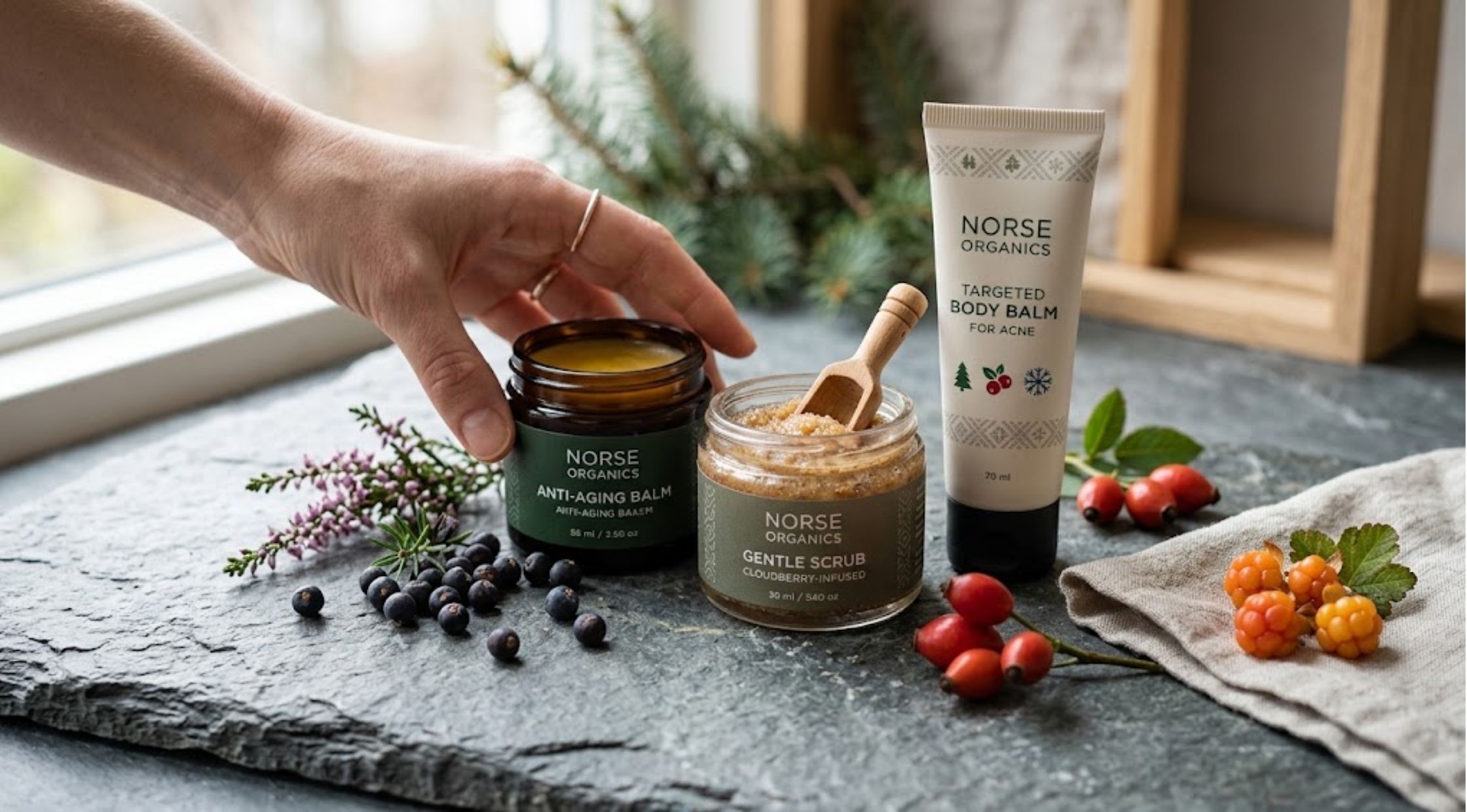
How to Choose Norse Organics Wrinkle and Body Balms
Home and Decor
6 min read
How to Choose the Right Troubadour Backpack for Work & Travel
Travel
5 min read
How to Plan an Unforgettable Milford Sound Adventure | Pure Milford
Gadgets and Tech
4 min read
Superspares: Quality Aftermarket Auto Parts for Australian Vehicles
TestCategory
3 min read
How to Secure Your Home Without Complicated Setups
N/A
4 min read